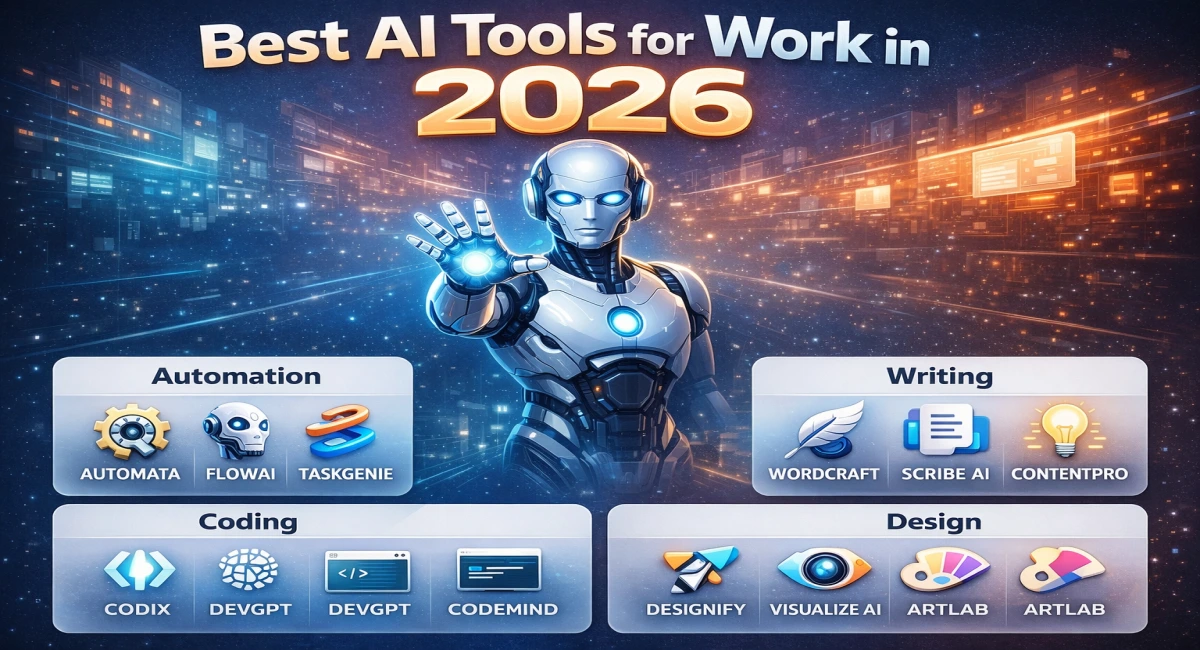
Best AI Tools for Work in 2026 (Automation, Writing, Coding, Design)
“The professionals thriving in 2026 aren’t necessarily the most talented — they’re the ones who’ve built the best AI-powered workflows. AI is now your digital team: always on, always improving, and always available.
In 2026, the question is no longer whether artificial intelligence will change your work — it already has. The real question is whether you’re among those leveraging it as a competitive advantage, or watching from the sidelines as others double their output, halve their costs, and build things faster than ever before.
What makes an AI tool “best” in 2026?
The AI tool landscape has matured dramatically. We’re past the era of flashy demos and empty promises. In 2026, the best tools are judged on five criteria that separate genuine productivity multipliers from glorified chatbots.
⚡
Automation depth
Can it act autonomously, or just assist?
🧩
No-code friendliness
Usable without engineering skills
🔗
Integration breadth
Connects to your existing stack
💰
Cost vs. value
ROI-positive within weeks
🎯
Real-world reliability
Performs under production conditions
🌐
Ecosystem thinking
Works well with other AI tools
A critical shift has also occurred in how top performers think about AI: the move from single tools to AI ecosystems. Instead of relying on one all-powerful app, high-output teams now orchestrate several specialized tools that talk to each other — automating handoffs between writing, coding, design, and publishing in seamless pipelines.
Best AI automation tools
Automation is where AI delivers its most measurable ROI. By delegating repetitive, rule-based tasks to intelligent agents and workflow engines, teams are reclaiming hours every week — hours previously spent on data entry, email triage, CRM updates, and report generation. The tools below represent the automation tier for 2026.
Zapier
No-code · Beginner-friendly
The gold standard for connecting apps without code. With 6,000+ integrations and AI-powered “Zap” suggestions, it’s the fastest way to automate repetitive workflows.
Make (formerly Integromat)
Visual builder · Advanced logic
Its visual canvas lets you build complex branching workflows with routers, iterators, and error handlers. Ideal for advanced automation needs.
UiPath
Enterprise · RPA
A leader in Robotic Process Automation. Handles legacy systems, desktop apps, and document processing at enterprise scale.
AutoGPT
AI Agent · Autonomous
Autonomous AI agent that can plan tasks, execute workflows, search data, and self-correct with minimal human input.
COMMON USE CASES
Email triage & response drafts
CRM data entry
Lead generation pipelines
Invoice processing
Social media scheduling
Report generation
Best AI writing tools
Content is still king in 2026 — but the game has changed. AI writing tools have moved far beyond autocomplete. Today’s best assistants understand tone, audience, SEO intent, brand voice, and marketing psychology. The result: professional-quality content in a fraction of the time, with humans steering strategy and AI handling execution.
ChatGPT
All-purpose · Versatile
The Swiss Army knife of AI writing. Exceptional for ideation, first drafts, repurposing content, email writing, and research summaries. GPT-4o’s multimodal capabilities make it invaluable for image-to-copy workflows.
Jasper
Marketing-focused · Brand voice
Purpose-built for marketing teams. Jasper’s brand voice feature trains on your existing content, ensuring every output sounds authentically like your company. Excellent for ad copy, landing pages, and campaign briefs.
Copy.ai
Speed · Templates
When you need good content fast, Copy.ai’s template library covers 90+ use cases. Its Workflows feature chains multiple AI steps together — perfect for producing a full content pipeline from a single keyword input.
Grammarly
Editing · Tone · Polish
The final layer in any writing workflow. Grammarly’s AI editor now suggests full sentence rewrites, tone adjustments calibrated to your audience, and clarity scores — turning competent writing into compelling communication.
COMMON USE CASES
Blog posts & SEO articles
Email campaigns
Ad copywriting
LinkedIn content
Product descriptions
Press releases
Best AI coding tools
AI coding assistants have fundamentally changed what it means to be a developer in 2026. Senior engineers report 40–60% faster shipping cycles. Junior developers skip years of grinding syntax by having an expert mentor embedded in their editor. And non-developers are increasingly building functional tools without writing a line of code themselves.
GitHub Copilot
Real-time · IDE-native
The benchmark AI coding assistant. Copilot’s deep IDE integration means suggestions appear as you type — entire functions, unit tests, and documentation.
Replit Ghostwriter
Beginner-friendly · Browser-based
Replit’s AI-powered cloud IDE helps you go from idea to app fast. Generate, debug, and explain code directly in the browser.
Codeium
Free tier · Fast
A powerful free alternative to Copilot. Supports many languages and provides fast, low-latency suggestions.
Tabnine
Privacy-first · On-prem option
Designed for teams needing full privacy. Runs locally or on-premises, keeping your code secure.
COMMON USE CASES
Boilerplate generation
Bug detection & fixing
Unit test writing
Code explanation
API integration
Learning new languages
Best AI design tools
The democratization of design is in full swing. In 2026, you no longer need a degree in graphic design to produce visuals that stop the scroll. AI has compressed the skill gap between amateur and professional, while simultaneously expanding what professional designers can create in the same timeframe.
Canva
Non-designers · Templates
Canva’s Magic Studio transforms it into a full AI creative platform. Magic Design generates presentations, Magic Write adds copy, and Magic Resize adapts content automatically.
Adobe Firefly
Professional · Commercial-safe
Adobe’s generative AI trained on licensed content ensures safe outputs. Deep integration with Photoshop and Illustrator keeps workflows seamless.
Midjourney
Art generation · High quality
Known for stunning AI art output — photorealistic, painterly, or stylized. Ideal for concept art, branding, and creative exploration.
Figma
UI/UX · Collaborative
Figma’s AI can generate UI components, suggest layouts, and enable real-time collaboration between designers and developers.
COMMON USE CASES
Social media graphics
UI/UX prototyping
Brand identity
Presentation decks
Ad creatives
Concept art
How to choose the right AI tool for your work
The biggest mistake people make isn’t choosing the wrong tool — it’s trying to adopt too many at once. Tool overload kills productivity just as surely as no tools at all. Here’s how to think about your selection based on who you are and what you actually need.
👩💼 Freelancer / Creator
Start with ChatGPT (writing + ideation) + Canva (visuals) + Zapier (automating client workflows). These three cover 80% of solo business needs.
👨💻 Developer
GitHub Copilot is essential. Add Codeium for free support. Use AutoGPT for experimentation and Make for backend automation workflows.
🏢 Business Owner
Focus on ROI. Use Make or UiPath for automation, Jasper for content at scale, and Figma for design workflows. Track time saved weekly.
Future trends in AI work tools
The tools of 2026 are impressive. But the trajectory suggests we’re still in early innings. Here’s what’s taking shape at the frontier.
01
AI agents replacing repetitive roles
Autonomous agents are moving from experiment to production. Within 24 months, AI agents will manage end-to-end workflows — from lead generation to outreach and CRM logging — without human intervention.
02
Multi-tool integration: the all-in-one AI workspace
Fragmented tools are being replaced by unified AI workspaces where writing, coding, design, and automation coexist with shared memory and context across sessions.
03
Personalized AI assistants for individuals
AI is shifting from generic tools to personal accelerators. Future assistants will understand your style, workflows, and priorities — adapting specifically to you, not a generic user.